
Understanding the Benefits of Using Retired Enterprise Equipment
Cost-Effectiveness of Repurposing Gear
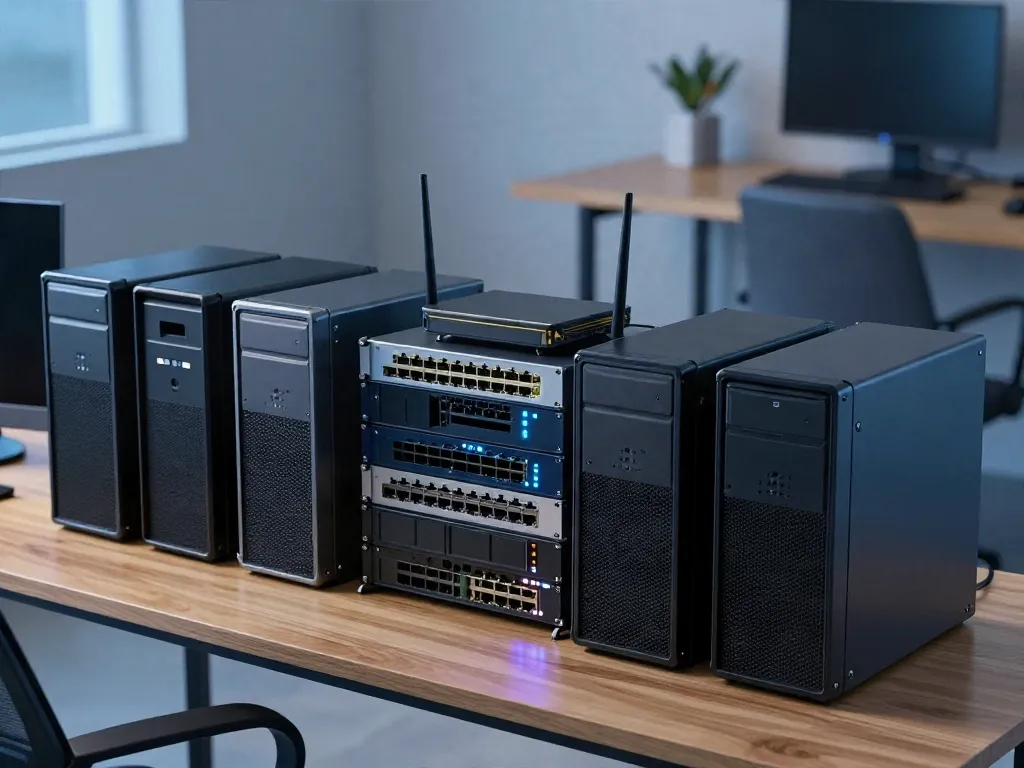
In the realm of technology, particularly in the field of computing, the rapid pace of innovation often leads to the swift obsolescence of hardware. Companies frequently upgrade their equipment to stay competitive, which results in a wealth of retired enterprise gear available for repurposing. Building a homelab using this retired equipment can be remarkably cost-effective. For instance, a retired Dell PowerEdge R710 server can be acquired for as little as $200, whereas a new server with similar capabilities might cost upwards of $1,500.
Moreover, the total cost of ownership is significantly lower. Many enterprises sell their retired gear at a fraction of the original price, allowing hobbyists and professionals alike to access high-quality servers, switches, and storage solutions without breaking the bank. This cost-effectiveness is crucial for individuals looking to experiment, learn, or even build a small business environment without incurring heavy debts.
Access to High-Performance Hardware
Another significant benefit of using retired enterprise equipment is the access to high-performance hardware that many home users might not otherwise afford. Enterprise-grade hardware is designed for reliability and performance, with specifications that often surpass consumer-grade equipment. For example, a retired Cisco Catalyst 2960 switch offers advanced features such as Layer 2 and Layer 3 capabilities, which are essential for building a robust network infrastructure.
These devices are built to handle large workloads, making them ideal for virtual environments, complex networking, and heavy computational tasks. For example, a retired IBM x3650 M4 server can support multiple CPUs, high memory capacities, and various storage configurations, providing a platform capable of running several virtual machines simultaneously.
Environmental Impact and Sustainability
Building a homelab with retired enterprise gear also contributes positively to environmental sustainability. By repurposing hardware that would otherwise end up in landfills, users reduce electronic waste and extend the life cycle of the technology. This is particularly relevant as the global demand for electronic devices continues to soar, leading to increased environmental strain.
Using refurbished or retired equipment not only diminishes the carbon footprint associated with manufacturing new devices but also encourages a culture of recycling and responsible consumption. This ethos aligns with the growing movement towards sustainability in technology, making homelabs a part of a broader solution to tech waste concerns.
Choosing the Right Equipment for Your Homelab
Identifying Suitable Retired Enterprise Gear
When embarking on the journey to build a homelab with retired enterprise equipment, the first step is identifying suitable gear. The best candidates for a homelab project are servers, networking equipment, storage solutions, and sometimes even older desktops or laptops that can be repurposed for specific tasks.
Start by exploring platforms that specialize in refurbished equipment, such as eBay, Craigslist, or dedicated IT asset disposition companies. Look for listings that provide detailed specifications and condition reports. For instance, a refurbished HP ProLiant DL380 G7 server is a popular choice due to its flexibility, support for various operating systems, and substantial upgrade capabilities.
Evaluating Specifications and Compatibility
Once you’ve identified potential candidates, the next step is to evaluate their specifications and compatibility with your intended use case. Pay attention to the following key components:
- CPU: Look for multi-core processors that can handle virtualization or high-demand applications. Models like the Intel Xeon E5630 are common in retired gear.
- Memory: Ensure that the server has enough RAM for your needs. 16GB is a reasonable starting point, but many can be upgraded to 64GB or more.
- Storage: Check for redundant storage options (RAID configurations). Drives should ideally be enterprise-grade SSDs or high-capacity HDDs.
- Network Interfaces: Multiple NICs can provide better performance and redundancy.
Compatibility with your existing network and software environment is also crucial. Ensure that the equipment can integrate seamlessly with your routers, switches, and any existing virtual environments.
Key Brands and Models to Consider
Several brands have established themselves as leaders in the enterprise equipment market, and they are often the best bets when selecting retired gear for your homelab. Some notable options include:
- Dell: The PowerEdge R710 and R720 servers are well-regarded for their reliability and performance.
- HP: The ProLiant DL380 series is a favorite for its robust build and extensive configuration options.
- Lenovo: The System x series offers excellent performance and is often available at competitive prices.
- Cisco: Their networking equipment, particularly the Catalyst series, provides a solid foundation for a homelab network.
When considering models, look for those that have been well-reviewed in community forums or tech blogs. User experiences can provide valuable insights into reliability and ease of setup.
Setting Up Your Homelab Infrastructure
Planning Your Network Architecture
The success of a homelab hinges on a well-thought-out network architecture. Begin by determining the primary purpose of your homelab. Are you focusing on learning about networking, virtual machines, or specific software applications? Your answer will guide your network setup.
A typical homelab might include the following components:
- A main server or servers for virtualization.
- Networking switches to manage traffic.
- Storage solutions for data management and backups.
- Firewall and security appliances to protect your network.
Consider segmenting your network using VLANs (Virtual Local Area Networks) to separate different environments (e.g., test vs. production) and enhance security. Tools like pfSense can be used to set up a firewall and manage network traffic effectively.
Rack Mounting and Physical Setup
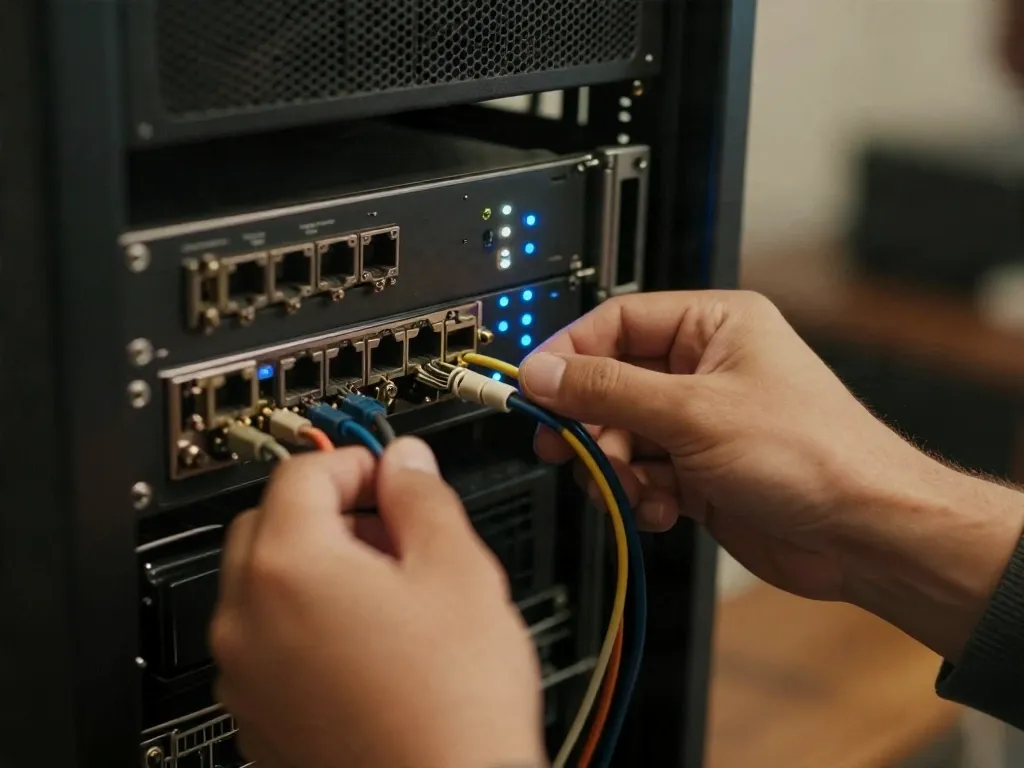
Physical setup is an essential aspect of building your homelab. A dedicated space with proper cooling and power management is critical. If you’re using rack-mounted servers, invest in a good quality rack to organize your equipment efficiently. A 12U rack can accommodate several servers, switches, and storage devices, providing a clean and professional look.
Ensure that your rack is well-ventilated, as enterprise equipment can generate significant heat. Use rack fans if necessary, and position your equipment to maximize airflow. Additionally, consider using power strips with surge protection to safeguard your investment from electrical anomalies.
Cooling and Power Considerations
Cooling and power management are paramount in a homelab environment, especially when using several pieces of enterprise equipment. Servers can consume a lot of power and generate heat, so monitoring these factors is crucial.
Consider the following:
- UPS (Uninterruptible Power Supply): Invest in a UPS to protect against power outages and surges. A unit like the APC Back-UPS Pro is ideal for small setups.
- Temperature Monitoring: Use temperature sensors to keep track of the environment within your rack. Some smart power strips also come with monitoring functionalities.
- Airflow Management: Organize cables and equipment to promote airflow. Avoid overcrowding the rack, which can lead to hotspots and overheating.
Configuring Software and Virtualization Environments
Choosing the Right Operating Systems
The choice of operating system (OS) is a critical factor in the functionality of your homelab. Depending on your objectives, you might want to explore different OS options. For server environments, popular choices include:
- Ubuntu Server: Known for its ease of use and extensive community support, making it ideal for beginners.
- CentOS: A stable and secure option, particularly suited for enterprise applications.
- Windows Server: If you’re looking to run Microsoft-specific applications, Windows Server provides a familiar interface and robust features.
Additionally, consider using lightweight Linux distributions for specific applications or services, such as PfSense for firewalls or OpenMediaVault for NAS solutions.
Implementing Virtualization Solutions
Virtualization is a cornerstone of modern homelabs, allowing users to run multiple operating systems and applications on a single physical server. There are several popular virtualization solutions to consider:
- VMware ESXi: A robust hypervisor that offers excellent performance and management features.
- Proxmox VE: An open-source virtualization management platform that combines KVM and LXC.
- Hyper-V: Ideal for users in Microsoft environments; it integrates well with Windows Server.
By setting up a hypervisor, you can create multiple virtual machines (VMs) for testing, learning, or running applications. This setup allows you to experiment with different configurations and software without the need for additional physical hardware.
Managing and Monitoring Your Homelab
Effective management and monitoring of your homelab are vital for ensuring optimal performance and reliability. Consider using tools like:
- Grafana: For visualizing performance metrics and monitoring resource usage.
- Prometheus: A powerful monitoring system and time series database.
- OpenNMS: A network management platform that provides comprehensive monitoring capabilities.
Regularly reviewing performance metrics will help you identify bottlenecks or issues within your setup. Additionally, automating backups and updates can help maintain a smooth-running environment.
Expanding and Maintaining Your Homelab Over Time
Upgrading Components and Adding New Equipment
A homelab is a dynamic environment that should evolve with your needs and interests. As you become more comfortable with your setup, consider upgrading components or adding new equipment. This could involve:
- Adding more RAM to existing servers to support additional VMs.
- Upgrading to faster SSDs for improved I/O performance.
- Integrating new networking equipment, such as managed switches or firewalls, to enhance your network capabilities.
Keeping an eye on the latest developments in enterprise hardware can also inspire upgrades. Regularly check for new releases or refurbished models that can offer better performance at a reasonable cost.
Regular Maintenance and Troubleshooting Tips
To ensure your homelab runs smoothly, regular maintenance is essential. Here are some tips to keep your equipment in top shape:
- Perform routine checks on hardware components. Look for signs of wear and tear, particularly on hard drives and cooling fans.
- Keep software and firmware up to date to ensure security and performance enhancements.
- Document your configurations and changes to quickly troubleshoot issues when they arise.
When facing issues, use online communities and forums. The tech community is often very supportive, and platforms like Reddit or specialized forums can provide advice and solutions for common problems.
Community Resources and Continuous Learning
Building and maintaining a homelab is not just about the hardware but also about continuous learning and leveraging community resources. Engage with online forums, attend local meetups, and participate in workshops to enhance your knowledge and skills.
Resources like YouTube, online courses, and tech blogs can provide valuable insights into new technologies, best practices, and innovative uses for your homelab. For example, participating in a homelab subreddit can expose you to a wealth of shared experiences and tips from fellow enthusiasts.

Comments
No comments yet.
Leave a comment